Connect your AI
Our pick: ChatGPT
Connect ChatGPT in a few steps.
Minimo Games joins the ChatGPT app on your computer as a plugin. Add it once, sign in, and ask for your first game.
- Add Minimo's marketplace in the ChatGPT app's Plugins.
- Install the Minimo Games plugin and sign in.
- Tell ChatGPT the game you want.
Best in the ChatGPT app for Mac or Windows, where Minimo Games installs with its icon. ChatGPT on the web and on your phone can connect too, by adding https://minimo.games/mcp by hand. The steps as text
Google Antigravity
Connect Antigravity in a few steps.
Already creating in Antigravity? Add the Minimo Games plugin from GitHub, sign in, and turn your next idea into a playable game.
- Let Antigravity install the plugin. Copy our setup prompt into a new chat in the app on your computer.
- Restart Antigravity and sign in through the plugin's Accounts tab.
- Tell Antigravity the game you want.
Your games stay on Minimo Games, and your first game stays private until you ask to publish it. The steps on GitHub. Available independently of the official Antigravity Marketplace.
Grok on the web
Connect Grok with a name and a URL.
Add Minimo Games as a custom connector in Grok, then sign in to your Minimo account.
- Open Grok's connectors. Choose New Connector, then Custom.
- Name it Minimo Games and enter the server URL below.
- Sign in to Minimo Games and allow access. Back in Grok, ask it to show your games to check the connection.
Start with: “Show my Minimo Games games.” An empty list is a successful connection too. Then describe the game you want to make. It stays private until you ask to publish it.
These steps are for grok.com. If Grok shows “High Demand”, try again later; the notice alone does not mean your Minimo connection failed. Generating and uploading artwork from Grok is still being tested. You can bring your own images and upload them under Assets in Studio.
Any other AI
Using Claude, Cursor, or another AI?
Paste this prompt into it. It is for compatible Claude and Google agents, Cursor, Codex in a terminal, and other MCP clients. For Antigravity, use its own tab. The prompt points your agent to our setup notes, and it connects the way your app allows, asking you for anything it cannot do itself.
You'll stay in control of sign-in and approvals. After the agent verifies access, tell it what you want to make. Your first game stays private until you ask to publish it.
What if my agent needs a hand? How to describe your first game.
Describe it
Say the idea. Play it minutes later.
Explain the mechanic, the mood, and who it is for. Your AI turns the conversation into rules, code, and a private playable build.
- Match, merge, bubbles, cards, word games, arcade challenges: start with a mechanic you love.
- Ask for changes in plain words: faster, harder, calmer, juicier.
Real artwork
Your game, with its own 2D art.
Minimo games are made of images, not placeholders. ChatGPT can paint the pieces, characters, and backgrounds in one consistent style, or you can bring your own artwork and let your AI put it to work.
- One coherent look across sprites, scenes, icon, and banner.
- Every game owns its images, which you can review and upload in Studio.
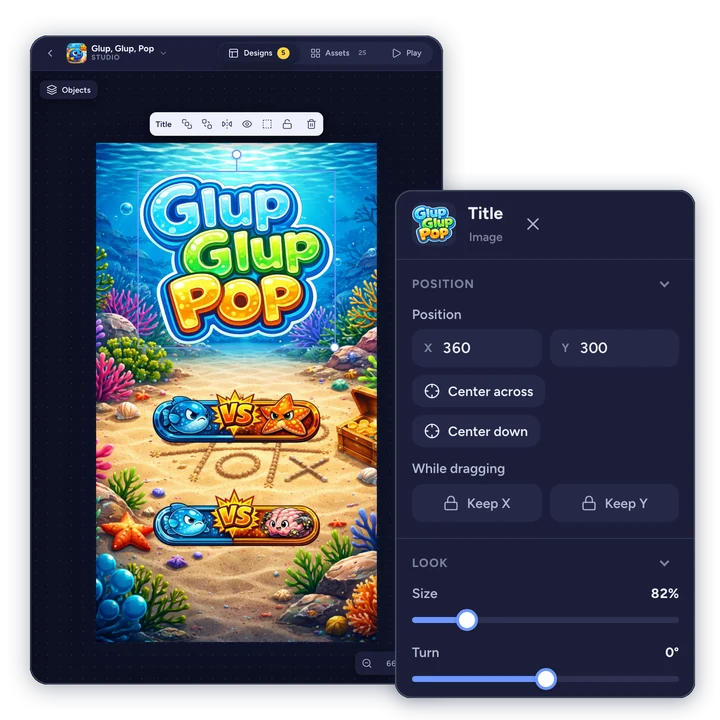
Studio
Fine-tune every screen yourself.
Your AI builds the screen; you put everything exactly where you want it. Open it in Studio and drag, resize, and rotate what your AI placed, instead of asking for something to move a little to the left.
- Move, scale, rotate, reorder, and hide objects, snapping them to alignment guides as you go.
- Works on a computer or a phone, and your AI sees your changes the next time it works on the game.

Play anywhere
Instant play on any screen.
Every game runs in the browser and is built mobile-first with touch controls. No installs and no app store: open the link and play.
- Your work stays private while you and your AI find the fun.
- Comfortable on a phone, a tablet, or a desktop.

Publish and share
Publish when it clicks. Share one link.
Keep polishing until it feels right. When you are proud of it, ask your AI to publish and send the link to friends, students, or players.
- Every change is versioned, so an experiment is never a risk.
- A public game page with a QR code and your author profile.
- Leaderboards where players compete for the best score, all time or every day, week, month, or year, with Minimo Games Pro.
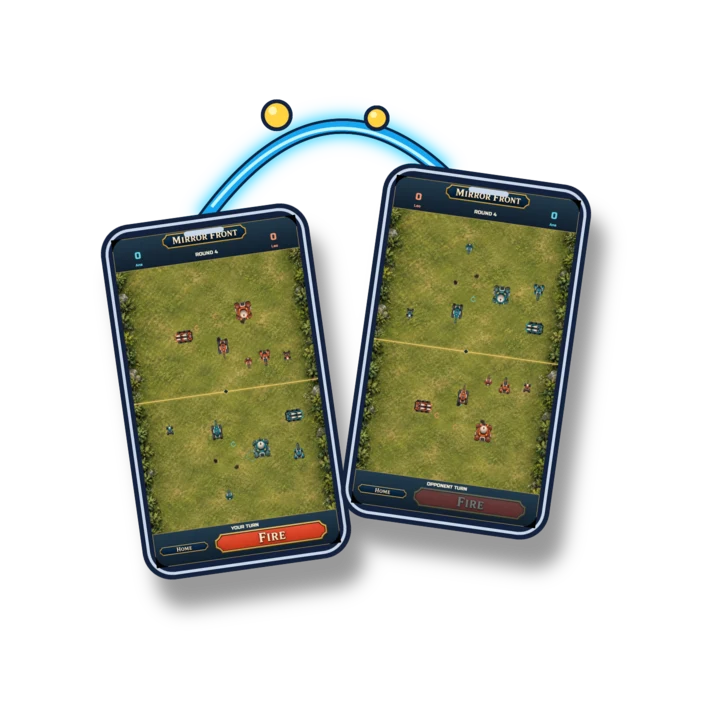
Multiplayer
Play online with friends.
Ask for a game friends play together, each on their own phone: a card game, a board game, a duel, or a race for the best score. One player opens a room, the others join with its code or its link, and everyone sees every move.
- Two to eight players in a room, taking turns or all playing the same round.
- No accounts to make: players type a name and join.
- The lobby, the turns, and the results come ready-made, with Minimo Games Pro.
Remix
Start from a game you love.
When a creator allows it, remix their published game into your own account and make it yours. Your version always credits the original.
- Remixing is off until you turn it on for your game.
- See what other creators built from your game.
Powered by MinimoJS
A game engine made for AI.
Every Minimo game runs on MinimoJS, our own 2D engine.
- Built for AI to write
- One-line polish effects
- Mobile-first by design
- Arcade essentials built in
Learn
See what you can ask for.
Try live examples of everything a Minimo game can do, from bouncing and exploding to touch controls, sounds, and whole little games. Each one comes with the words to ask your AI for it.
- Every example runs live, on the same engine as your games.
- Copy the phrase, paste it to your AI, and it knows exactly what you mean.
Made on Minimo
Play what others imagined.
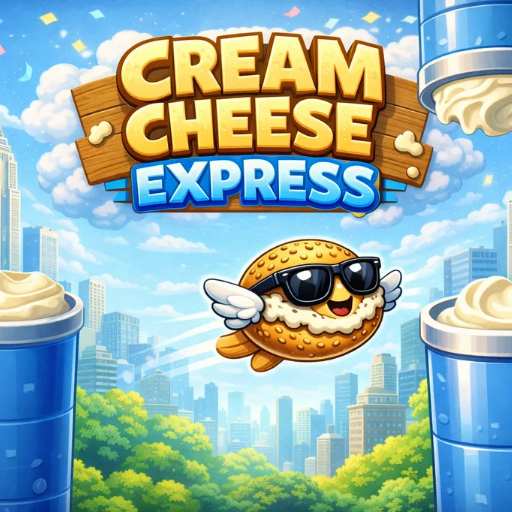
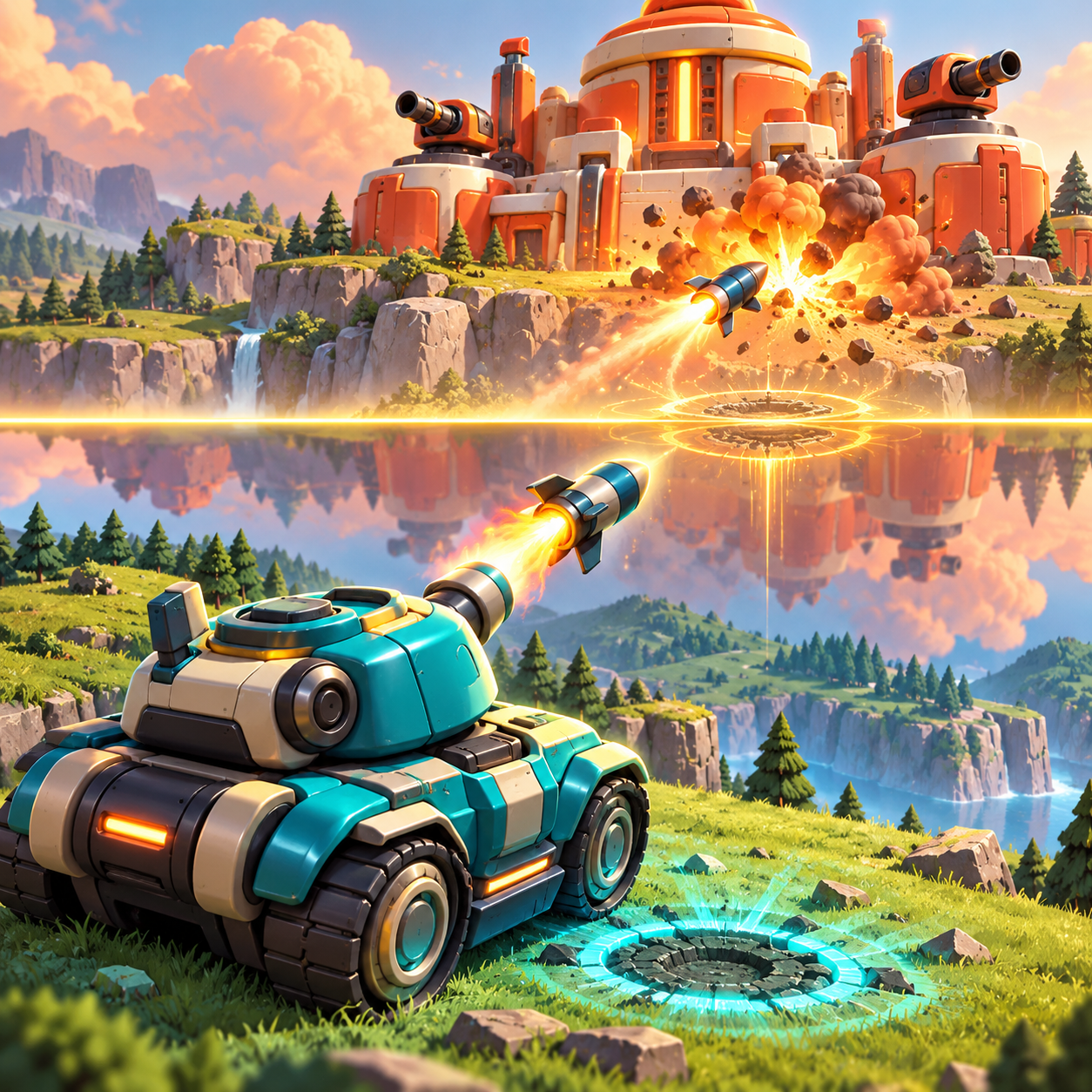
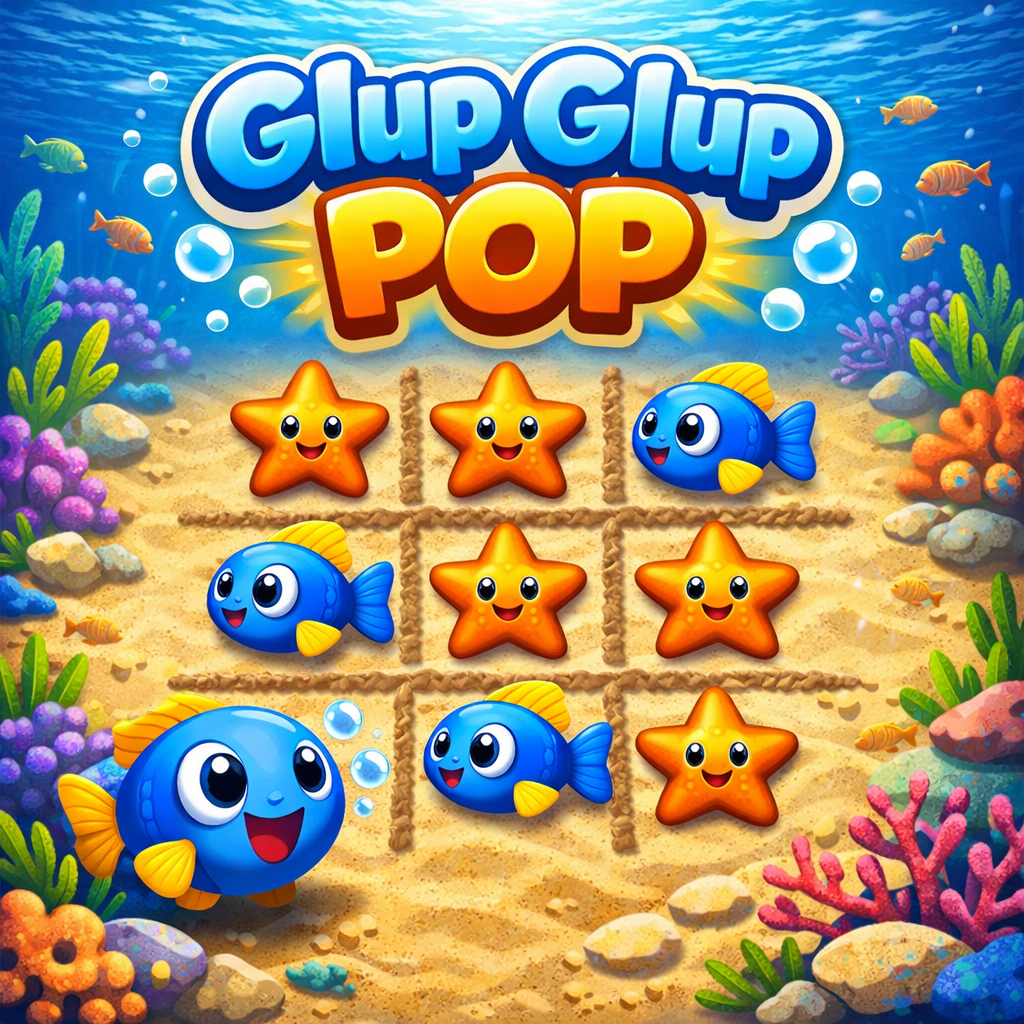
A small selection chosen by the Minimo Games team.
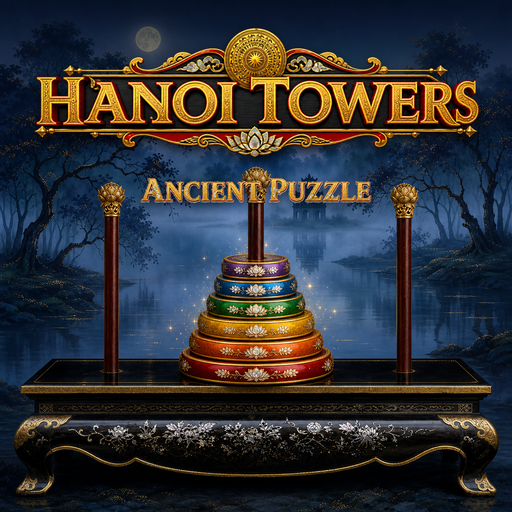
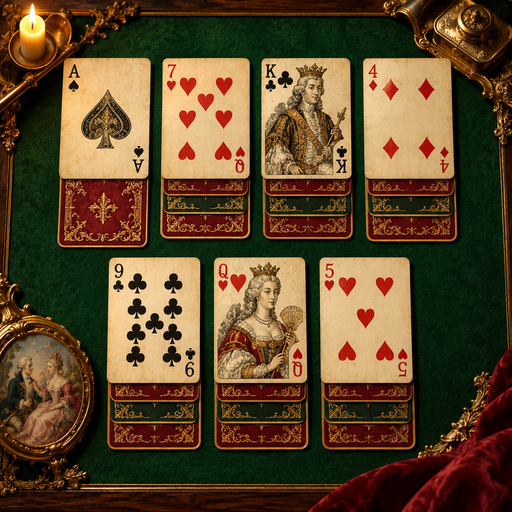

Your first game is a few steps away.
It stays private until you decide to share it.